Clearing the cache is the safest serious tool in Android maintenance, and in a chat app it earns a special reassurance up front: your characters, personas, and account live with your account and the app's data — not in the cache. Clearing the Janitor AI AI chat cache removes temporary working files only, and this guide explains exactly what those are, gives the steps, and lists the glitches this one-minute operation genuinely cures.
You will also learn the boundary that matters: cache versus data, and why the second button should be pressed rarely, deliberately, and never as a first resort.
If the app has developed odd, specific misbehaviour — stale screens, stubborn glitches, post-update hauntings — this is very likely your page.
What the Cache Holds in a Chat App
The cache is working storage: interface assets, recently loaded images and character art, fragments of pages and lists kept so revisiting them feels instant. It accumulates quietly and, like any desk, eventually holds a few corrupted or outdated items that cause disproportionate confusion.
None of it is your content. Think of the cache as the app's short-term memory of where things are, not the archive of what you made and said.
The Steps on Android
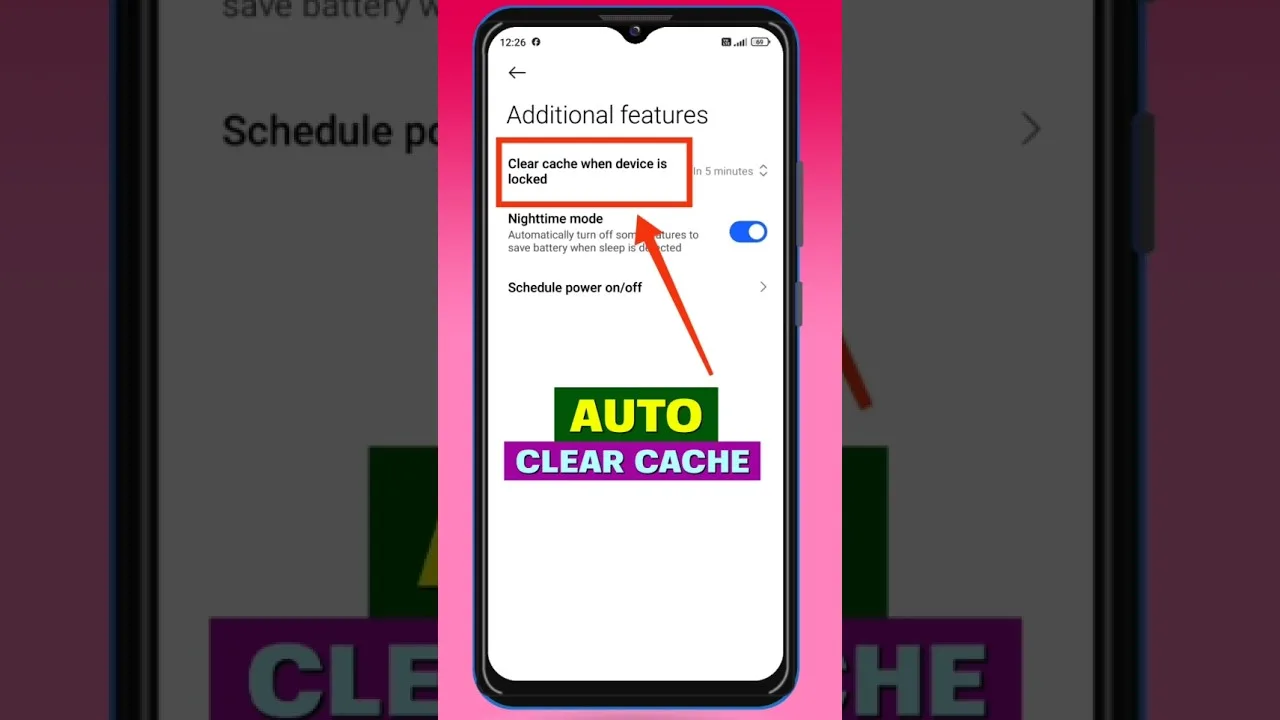
Open Settings, then Apps, find the app, open Storage and cache, and tap Clear cache. Reopen the app and allow it a moment to rebuild; lists and artwork repopulate as you browse, which is the cache refilling with fresh copies.
Confirm afterwards that you are still signed in and your characters are present — they will be, because they were never in the cleared layer — and let that one verification make every future clear a calm operation.
Glitches Clearing Genuinely Fixes
Character lists that will not refresh, artwork mismatches, a chat view stuck rendering an old state, sudden sluggishness following an update: these are cache-shaped symptoms, and clearing is their correct first medicine.
Post-update weirdness deserves special mention. New code reading old temporary files produces hauntings that look like regressions, and the clear exorcises them so reliably that the update guide in this library treats the two as a pair. The update process itself is covered in how to update Janitor AI.
Cache Versus Data: The Important Boundary
Clear data resets the app to its first-run state: sign-in, settings, and local configuration go with it. It has a legitimate place late in serious troubleshooting, and none at all as an opening move.
Order attempts by cost: cache, then the standard fault sequence, then data only with your configuration notes in hand. Stopping at the first step that works is not laziness; it is the definition of competent maintenance. The full order lives in Janitor AI not working: common problems and fixes.
What Clearing Will Not Fix
It will not repair chat errors from the model side, restore a deleted character, fix an API configuration, or cure a service outage. Those live in other layers, and clearing at them only delays the real remedy while teaching you a ritual instead of a diagnosis.
It will not reclaim lasting storage either; the cache refills by design. Persistent storage pressure is solved by managing downloads and media, not by repeatedly sweeping a self-refilling shelf.
How Often, and Alongside What
Clear on symptoms and after major updates, not on a calendar. A healthy cache is why the app feels instant, and weekly clearing out of tidiness taxes the very responsiveness it claims to protect.
Pair the occasional clear with the genuine maintenance that matters here: summaries saved, character notes backed up, settings recorded. That trio protects the irreplaceable; the cache protects nothing and needs none.
If the Glitch Survives the Clear
A symptom that returns immediately after clearing is telling you the fault lives deeper — in data, configuration, account, or service. Believe it, and graduate to the fixes sequence rather than clearing again with more feeling.
Record what you tried and what changed. Troubleshooting notes turn a stubborn fault from a haunting into a case file, and case files get solved.
One minute, nothing you value at risk, a specific family of glitches genuinely cured: that is the cache clear, kept in its proper role. Everything heavier must argue its way past this step.
Verify once that your world survived — it will — and the operation becomes what it should be: boring, useful, and rare.
If you maintain the app for anyone else — a partner, a parent, a friend you recruited — leave them this page and the update guide rather than your future availability. Tools taught are support retired, and the cache clear is the first tool every user should own.
A closing distinction for your notebook: clearing cache is maintenance you perform, while clearing data is a decision you make. Keeping those verbs separate in your mind is what keeps the rare decision from ever being an accident.
Put the steps where your thumb can find them — a note, a bookmark — because the cache clear is needed precisely on the evenings your patience for searching settings is shortest. Preparation is kindness to your future, flustered self.
Small tool, specific job, zero risk: the cache clear is the model citizen of maintenance operations, and it asks only to be used for its own work.