Advanced settings are where a chat stops being the platform's instrument and becomes yours. Temperature shapes how adventurous the model's word choices are; length controls shape how much it says; context controls shape what it remembers. Janitor AI roleplay app exposes several of these dials, and this guide explains each in plain terms with a method for tuning them that produces knowledge instead of confusion.
The method matters more than any recommended value: change one dial, run the same scene, compare honestly, record the result. Settings tuned that way are yours; settings copied from a stranger are weather.
Bring a familiar character and a scene you have played before. A known scene is a laboratory instrument — it lets the settings be the only new thing in the room.
Temperature: The Adventure Dial
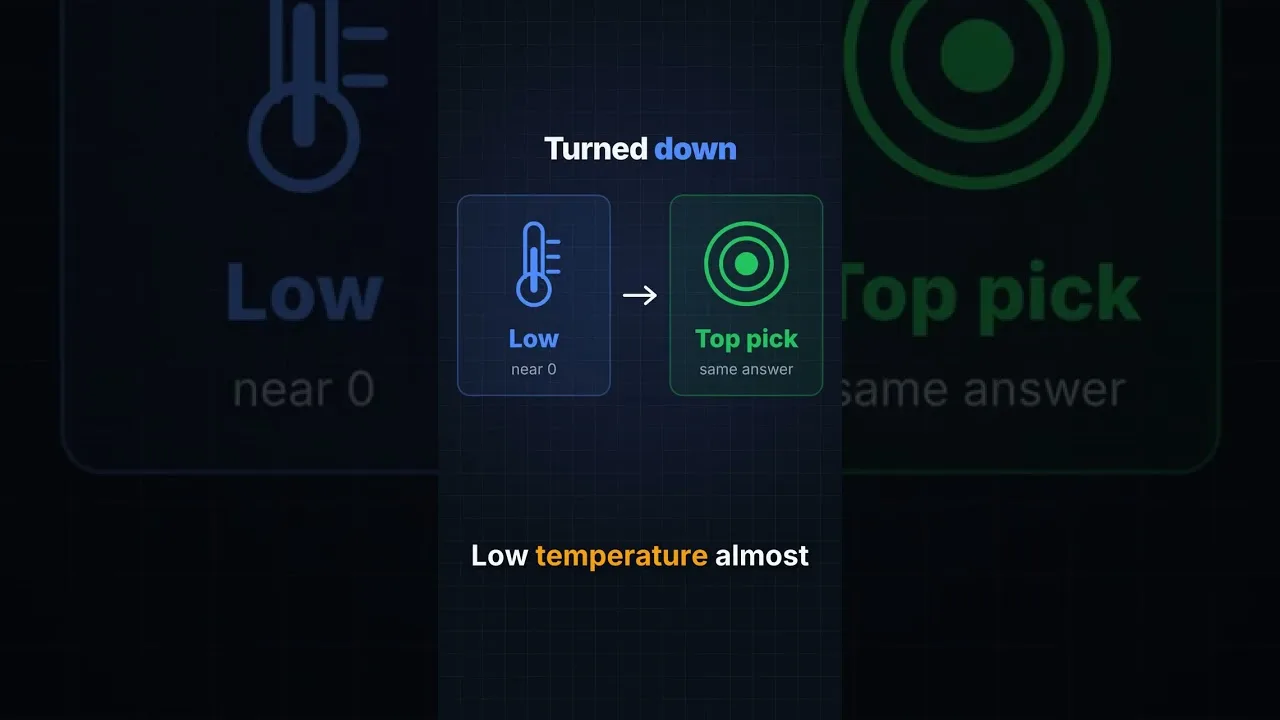
Temperature controls how predictable the model's choices are. Low values make it careful and consistent — the same prompt earns similar replies — while high values invite surprise, unusual phrasing, and occasional glorious or disastrous inventions.
Neither end is correct. Dialogue-heavy roleplay often enjoys moderate warmth; factual consistency and long-story coherence prefer cooler settings. Let the job nominate the temperature, and distrust anyone who prescribes one number for all purposes.
Response Length and Pacing
Length controls typically cap or target how much the model writes per reply. Long settings produce immersive paragraphs and slower, costlier turns; short settings produce brisk exchanges that feel like conversation and can starve a scene of description.
Match length to your scene's rhythm and your reading patience, and remember your own messages set an example the model mirrors. A user writing rich paragraphs with a short length cap is arguing with themselves, and the cap wins.
Context and Memory Controls
Where the app or model offers context size choices, larger windows remember more of the story at higher cost and sometimes slower speed. For epics, the larger window earns its price; for casual chats, it is capacity you will never miss.
These controls cooperate with the summary habits in Janitor AI chat memory and context tips: settings decide the desk's size, summaries decide what lies on it, and stories need both decisions made well.
System Prompts and Author's Notes
Some configurations allow a standing instruction — a system prompt or author's note — that rides along with every request: tone rules, world facts, format preferences. Used sparingly, it is the most powerful text in your setup, because the model reads it before every reply.
Keep it short and load-bearing. A standing instruction bloated with everything you ever cared about dilutes itself; five lines that matter outperform fifty that merely exist.
The One-Dial Method
Tune in a fixed order: temperature first, then length, then context, because each dial's effect is clearest when the later ones are held still. Run your laboratory scene after each change and write one sentence about what improved and what worsened.
Keep the record. A settings notebook — values, scene, verdict — becomes your personal manual for the platform, and it makes helping other users, or rebuilding after a device change, an act of reading rather than archaeology. The model side of these choices connects to Janitor AI API and model settings explained, where the engine choices behind the dials are laid out.
Presets for Common Jobs
Starting points, to be corrected by your own tests: for long narrative roleplay, moderate temperature, generous length, the largest comfortable context. For quick banter with a comedy character, warmer temperature, short length. For a consistent, lore-heavy world, cooler temperature and a strict author's note.
Treat every preset — including these — as a hypothesis. The laboratory scene exists to convict or acquit them in your hands, with your characters, on your model.
When Settings Seem to Do Nothing
Occasionally a dial appears inert: the model or route in use may ignore it, or another setting may dominate it. Verify with an extreme change — temperature at its floor versus its ceiling on the same prompt — which separates a subtle effect from an absent one in two generations.
If a control is genuinely inert on your configuration, note it and stop paying attention to it. Settings literacy includes knowing which of your dials are decorative, and every platform has one.
Dials are not magic numbers; they are trades you can now name. Tune one at a time, against a known scene, with a written verdict, and the advanced screen becomes the most honest page in the app.
Your settings notebook is the real prize of this guide. Start it with tonight's first experiment.
Share your laboratory results when you help newer users. Settings advice grounded in one person's tested scenes — with the model named and the verdict honest — is worth more than the confident generalities that fill most forums, and it teaches the method by example at the same time it teaches the numbers.
Expect your taste in settings to drift as your stories grow more ambitious; the notebook's value is that drift becomes visible and therefore deliberate. Revisit the laboratory scene once a season and let the record, not your mood, arbitrate the numbers.
When a fellow user asks for your numbers, give them your method first and your numbers second, labelled as yours. That order is honest mentorship: the numbers will age with the next model release, while the method will still be producing good numbers a year from now.