Character platforms like this one can connect to different AI models through something called an API, and the settings page for it intimidates more users than any other screen in the app. It should not. An API is simply a doorway: your app knocks, a model answers. This guide explains the concepts in plain language for the Janitor AI chat app — what a model is, what a key is, what the settings fields mean, and the safety habits that protect your account and your money.
You will not find anyone's keys, endpoints for unofficial services, or instructions to circumvent any provider's terms here. You will find enough understanding to make deliberate choices and to troubleshoot the common failures calmly.
If you only ever use the platform's built-in options, skim this page anyway. Understanding the doorway helps even when someone else holds it open for you.
What an API Is, in One Honest Paragraph
An API — application programming interface — is a standardised way for one program to request work from another. In this app, the request is your conversation and the work is the model's next message. The chat interface you see and the model that answers can live in different places, connected by that request.
That separation is why the settings exist at all: they tell the app which model to ask, where to ask it, and how to prove the request is yours. Three facts, three fields, nothing more mystical than that.
Models: The Voices Behind the Characters
The character supplies personality; the model supplies the underlying intelligence and writing ability. Different models write with different fluency, memory, speed, and cost, which is why the same character can feel sharper or duller depending on the model answering.
Choosing a model is choosing a trade: the most capable models are usually slower or paid; lighter ones answer fast and free but forget sooner and write plainer. Your favourite long-form story and your quick casual chat may honestly want different models. The surrounding options are toured in the main tools in Janitor AI explained, and this page explains the engine room beneath them.
Keys: Your Credential, Your Responsibility
An API key is a password that identifies your account with a model provider and authorises charges to it. Treat it exactly like a banking password: never share it, never paste it into untrusted pages or apps, and never post it in a chat, forum, or screenshot.
If a key is exposed, revoke it at the provider and issue a new one; that is the entire recovery procedure, and it works only if you do it promptly. Keys pasted into random 'free proxy' services should be considered exposed from the moment of pasting.
Endpoints and Configuration Fields
The endpoint is the address the app sends requests to — the provider's front door. For legitimate providers, this address is published in their documentation and entered exactly as given; a single wrong character produces total failure, which makes endpoint errors easy to diagnose and easier to fix.
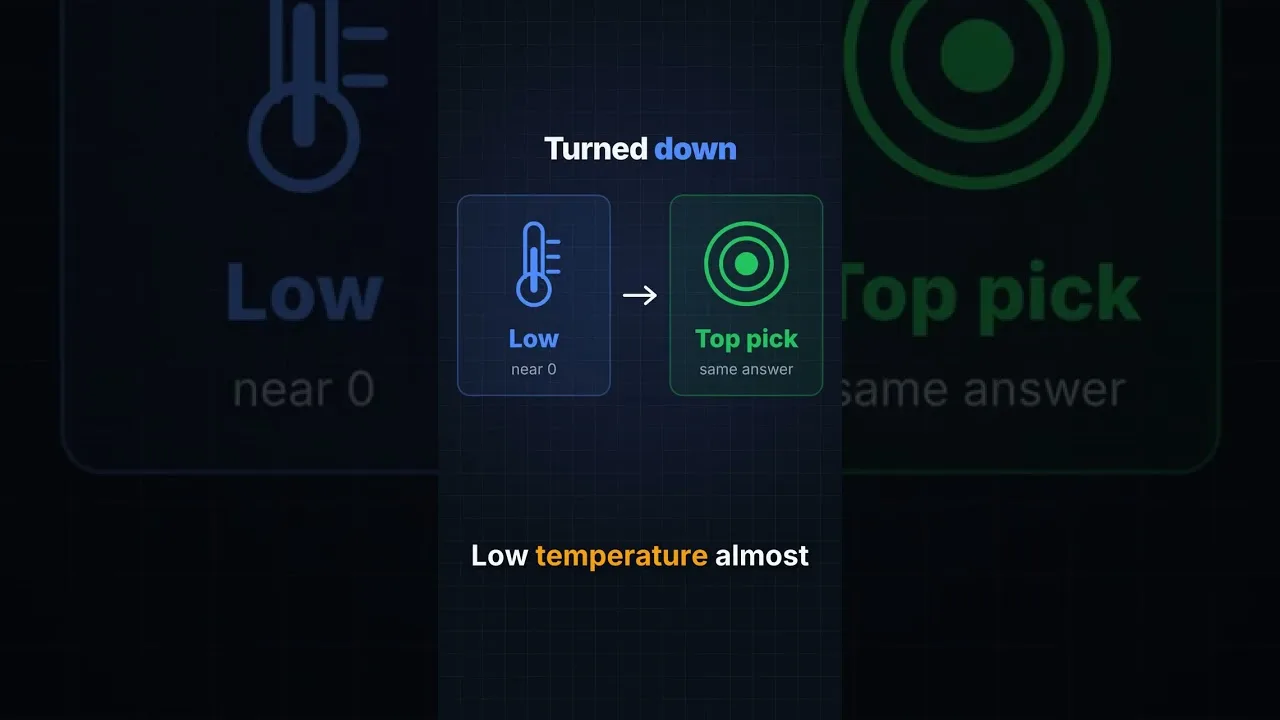
Other fields you may meet include the model name, temperature-style creativity controls, and response length limits. Change one at a time and note the effect, as the advanced settings guide in this library advises for every dial in this room.
Costs, Quotas, and Surprises
Where a model is paid, conversation consumes quota measured in tokens — roughly, pieces of words — across both your messages and the model's replies. Long contexts and long replies cost more; an epic session on a premium model is a purchase, and it should be a deliberate one.
Set spending limits at the provider where offered, and check usage after your first long session to calibrate your sense of price. Surprises in billing are almost always unmonitored enthusiasm, and monitoring is a five-minute habit.
Safe Sources and Unofficial Ones
Obtain keys from providers directly, under your own account and their terms. Unofficial intermediaries offering suspiciously free access to paid models are monetising something — your key, your data, or your traffic — and the history of such services argues for distance.
This caution is not prudishness; it is the same advice as for any credential. The platform's built-in options exist precisely so that users who do not want this responsibility never have to carry it.
When the Connection Fails
API failures announce themselves as errors, empty replies, or endless waiting. Diagnose in order: is the key present and unrevoked, is the endpoint exactly right, is the model name valid, does the provider show an outage or an exhausted quota?
Most failures live in the first two checks. The broader fault sequence in Janitor AI chat errors and how to fix them includes these settings in its order of suspicion, after the simpler causes have been cleared.
A doorway, a voice, a password, an address: the API settings are those four ordinary things in technical dress. Handle the password like money, choose the voice for the job, and the screen loses its power to intimidate.
When in doubt, the built-in options are a respectable default. The settings exist for users who want the choice, not as a toll every user must pay.
If the whole topic still feels heavier than your interest in it, that is a legitimate conclusion, not a failure. The managed route exists for you, and the evenings you would have spent on configuration are better spent in the stories the configuration was only ever meant to serve.